
ITC as per GSTR 2B: Check & Reconcile ITC for GST Compliance
Published on: Mon Apr 13 2026
Adv. Hetal Bansal

Bio (Reveal/Hide)
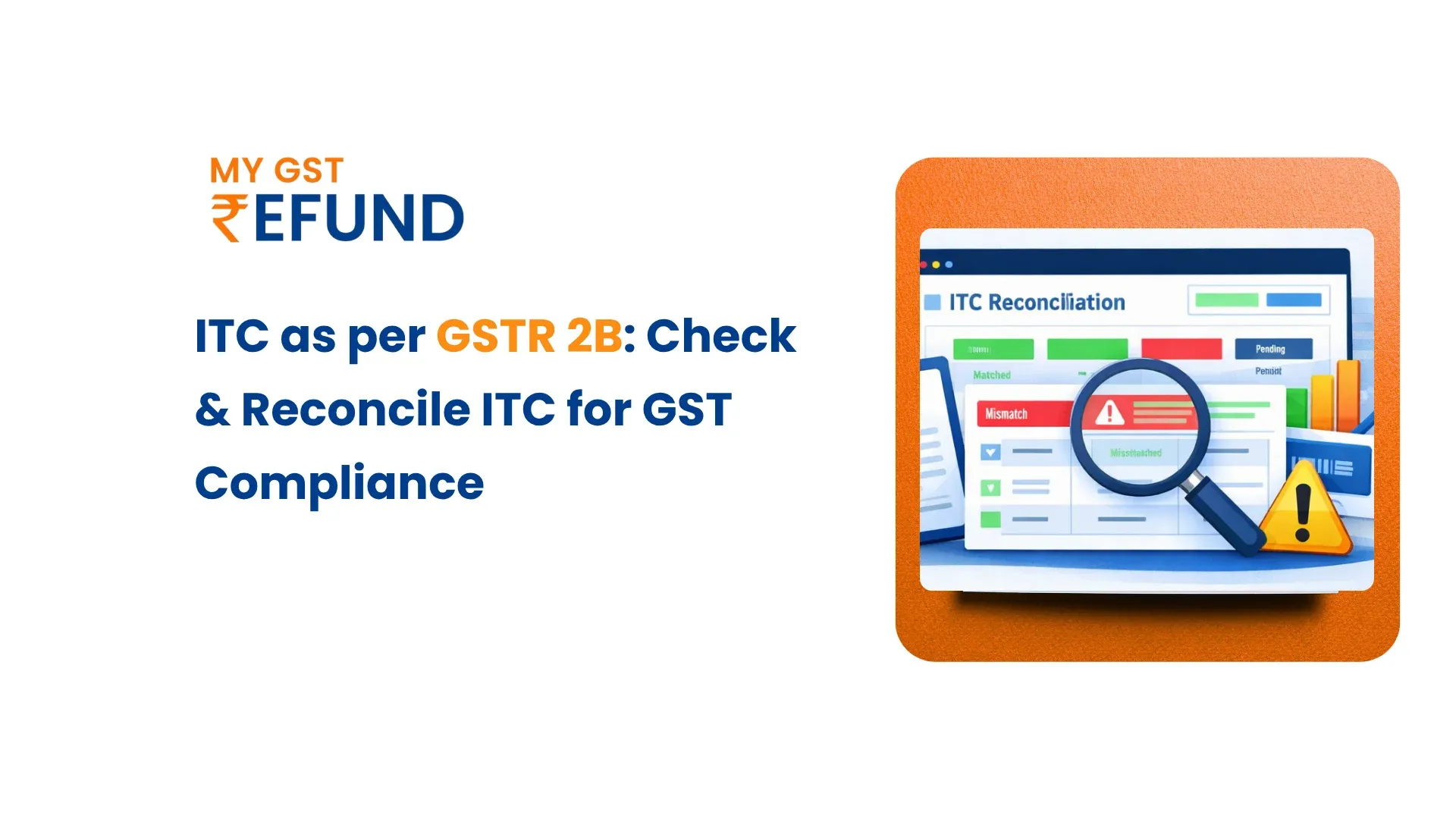
ITC Available as per GSTR 2B: How to Check & Reconcile
Input Tax Credit (ITC) is one of the biggest cash flow advantages for GST-registered businesses. GSTR 2B clearly defines the maximum ITC that can be claimed for a specific period. The GSTR-2B is an auto-generated, fixed-format statement that is prepared by the GST portal and which brings together the inward supply information provided by suppliers.
From 1 January 2022, ITC can only be claimed if it is reflected in GSTR 2B. This article takes you through the definition of what GSTR 2B is, how to balance the available ITC, and how to effectively balance it with your books and the GSTR 3B filing.
Why Businesses Should Track ITC from GSTR 2B
Tracking the ITC as per GSTR 2B is not merely a best practice. Under the amended outcomes of the CGST Act, 2017, it is a legal requirement.
Businesses that do not keep track of this statement frequently tend to lose credits, come under scrutiny whenever conducting an audit, or receive notification from GST
authorities. To achieve effective GST compliance, knowing the regulatory environment and business action impact of GSTR 2B is the initial step.
Legal Mandate Under Section 16(2)(aa)
As of 1 January 2022, Section 16(2)(aa) of the CGST Act clarifies that the ITC on an invoice or debit note can only be realized when the supplier reported it in GSTR-1
and shared the information with the recipient in form GSTR-2B.
Likewise, Rule 36(4) was changed to limit ITC claims to what is reflected in GSTR 2B. This means businesses cannot claim credit on the basis of physical invoices alone
If the supplier has not uploaded the corresponding details.
Key Business Reasons to Monitor GSTR 2B Regularly
- Ensures ITC claims in GSTR 3B are legally compliant and within permissible limits
- Helps identify invoices reported by suppliers that the buyer has not yet entered in their purchase register
- Flags potential mismatches before the filing deadline, reducing the risk of tax demand notices.
- Supports accurate cash flow forecasting by reflecting confirmed credits
- Limits the risk of liability of interests and penalties as stipulated in Section 50 and Section 73 of the CGST Act.
How to Check ITC Available in GSTR 2B on the GST Portal
The GST portal has a user-friendly interface, where taxpayers can access and download their GSTR 2B statement on a monthly basis.
A step-by-step process will help in making sure that not a single part of the statement will be missed before filing.
Step-by-Step Process to Download GSTR 2B
- Log in to the GST portal at www.gst.gov.in using your registered credentials.
- Go to Services → Returns → Returns Dashboard
- Choose the appropriate financial year and the period of filing returns.
- Go to the dashboard and find the 'GSTR-2B' and click on the Generate/View.
- After the statement is generated, press the download button, and save the JSON or Excel file.
- Open the downloaded file to inspect information in various areas, including B2B invoices, credit notes, and credits in imports.
What is the Generation Schedule?
The GSTR 2B is prepared every 14th of each month with regard to the tax period. It incorporates all invoices and credit notes submitted by suppliers either in GSTR-1
basis or in the Invoice Furnishing Facility (IFF) till the cut-off date.
For quarterly filers under the QRMP scheme, the generation date may vary slightly. Since the statement is static, it does not change once generated, which is why it serves as a reliable reference document for availing ITC as per GSTR 2B for that month.
ITC Reconciliation Using GSTR 2B
ITC reconciliation is a process of comparing input tax credit information in the three types of sources: the purchase register or books of accounts, the statement of GSTR 2B entered automatically, and the ITC claimed in your GSTR 3B return.
ITC reconciliation is a critical compliance activity for every GST-registered business.
What are the ITC Sections in GSTR 2B?
The GSTR 2B is subdivided into several sections, which represent the various kinds of inward supply. Knowledge of these sections is important in ensuring that taxpayers fall within the right category when it comes to the tax credit they have.
Table 3 contains most of the eligible ITC and is the most important section for businesses. The ITC claim notification, as provided by CBIC, makes it clear that credits that are found in the ITC available sections can be availed without restriction.
Reconciling ITC Between GSTR 2B and GSTR 3B
The process of reconciliation of GSTR 2B and GSTR 3B will include the following steps:
- Download the GSTR 2B data of the corresponding tax status on the GST portal.
- Export the purchase register from your accounting software for the same period.
- Compare invoices in the individual invoice section of your purchase register with accounts in the GSTIN, invoice number, invoice date, and the taxable value of the
goods and services in GSTR 2B. - Find the invoices that are recorded in GSTR 2B and whose entries are not reflected in your register of purchases, and this could show omissions.
- Identify invoices missing in GSTR 2B. This usually means the supplier has not uploaded them.
- Calculate the net eligible ITC once it has been reconciled, and make sure that the recorded figure shown in the GST 3B does not exceed the amount that is provided in GST 2B.
- Carry forward any unreconciled credits to the subsequent month for re-evaluation.
Common Reasons for ITC Mismatch in GSTR-2B
ITC mismatches between GSTR 2B and a taxpayer's books are a common challenge faced by businesses across India. Identifying the root cause helps in taking corrective steps and following up with suppliers in time to avail ITC as per GSTR 2B.
How CFO Dashboard Helps in ITC Tracking
A CFO dashboard helps businesses monitor and manage input tax credit efficiently by providing centralized visibility of GST data.
A CFO dashboard helps track eligible and ineligible ITC, automate reconciliation, and improve accuracy, identifies transactions requiring ITC reversal and ensures compliance with Rule 42 and Rule 43transactions requiring ITC reversal and ensures compliance with Rule 42 and Rule 43
Automated analytics and reporting will provide the finance team with the ability to review credit utilization quickly and avoid making mistakes in their calculations.
Key benefits include:
- Real-time monitoring of input tax credit and reversals
- Automated alerts for potential compliance issues
- Easy identification of common credit for rule 42 calculations
- Improved accuracy in rule 43 calculation for capital goods
- Detailed reports for audits and GST return filing
Best Practices to Avoid ITC Mismatches and Errors
Early monitoring of the reconciliation process also minimises the risks of ITC conflicts and other compliance risks.
Companies that follow a structured ITC reconciliation process face fewer GST notices and compliance issues
- You should reconcile GSTR 2B with your purchase register on a monthly basis, preferably by the 20th of the next month, to enable time to inquire about any GSTR 2B discrepancies prior to GSTR 3B.
- Always have a supplier communication protocol to remind suppliers who failed to submit their GSTR-1 within the stipulated time, because failure by the suppliers to do so directly translates into your loss of ITC.
- Always verify the supplier GSTIN and filing status before finalizing purchases.
- Never claim ITC solely based on a physical invoice. Always verify the corresponding entry in GSTR 2B before claiming credit in GSTR 3B.
- Monitor the ITC reversal obligation in rules 42 and 43 on the inputs that are applied in exempt supplies or consumed by an individual.
- Maintain proper records of reconciliation for audits and ensure that, in the event of an audit, you capture a screenshot of the downloading of GSTR 2B, and the
worksheets and records of communication with suppliers. - Automate your system by installing automation tools that connect directly to your ERP system or accounting software so that you can get rid of manual reconciliation errors.
Conclusion
Managing ITC as per GSTR 2B is now mandatory for all GST-registered businesses in India. The regular monitoring and reconciliation are important since the statement identifies the eligible input tax credit that a taxpayer can claim.
To make this process easier, companies can use intelligent compliance systems like MyGSTRefund. The platform assists in ITC information management, return status audit, and automating reconciliation based on automated compliance information.
Frequently Asked Questions (FAQS)
How To Claim ITC Using GSTR 2B?
Download GSTR 2B from the GST portal, reconcile it with your purchase register, and report the eligible ITC in Table 4 of GSTR 3B. Ensure the claimed credit does not exceed the amount reflected in GSTR 2B.
Where Is ITC As Per GSTR 2B Table 3 I Thereof?
Table 3 shows ITC from B2B invoices uploaded by suppliers, and section I represents ITC from inward supplies received from registered suppliers, excluding reverse charge transactions.
What Is The Importance Of GSTR 2B In ITC?
GSTR 2B acts as the legal basis for claiming ITC under GST since Section 16(2)(aa) was implemented in January 2022.
What Is ITC Rejected In GSTR 2B?
ITC rejected in GSTR 2B refers to ineligible or blocked credits that cannot be claimed under GST provisions.
What Is A Credit Note In GSTR 2B?
A credit note appears when a supplier reduces the value of a previously reported invoice, requiring the buyer to reverse the related ITC.
How To Reconcile GSTR 2B?
Download GSTR 2B and compare the invoice against the purchase register to find out matched, missing, and incorrect records before you claim the ITC.
Related Posts