Filing of Annexure-B Using Offline Utility on GST Portal
Published on: Fri May 22 2026
Adv. Hetal Bansal

Bio (Reveal/Hide)
Annexure-B for GST Refund: Offline Utility Filing Guide
Has your previous GST filing application been delayed or disapproved due to Annexure-B mistakes? You are not alone. GSTN has replaced the old PDF-based Annexure-B upload with an offline Excel utility for all refund applications with accumulated input tax credit as of 18 May 2026.
This change will impact exporters, suppliers to SEZs, and manufacturers that are governed by the Inverted Duty Structure. Your application may not proceed if you have not yet made the transition to the new utility, and you submit an application for the new utility (RFD-01). This guide explains everything quickly and clearly.
What Is Annexure-B in GST Refund Applications?
Annexure-B is a mandatory statement of inward supply invoices attached to your GST refund application (RFD-01) when claiming a refund on accumulated ITC.
Earlier, taxpayers uploaded this as a PDF document. Starting 18 May 2026, GSTN has replaced the PDF upload system with a standardised Excel-based offline utility for Annexure-B filing
Why did GSTN launch the Excel-based offline utility?
- To automate the refund filing process
- To enable system-based validation of invoices against GSTR-2B
- To standardise the refund filing process across all categories
- To reduce manual errors and processing delays
Which refund categories require Annexure-B Offline Utility?
The new offline utility is mandatory for the following four refund categories, where a refund is claimed on account of accumulated ITC:
Taxpayers filing refunds under these categories must now upload Annexure B using the offline utility
Structure of the Annexure-B Offline Utility
The utility is an Excel file with two core tables. Understanding the utility structure beforehand helps avoid validation errors during upload.
Table 1: Reversal Details
This table captures ITC reversals applicable to the refund period:
- Reversals under Rules 38, 42, 43 of CGST Rules
- Reversals under Section 17(5) of the CGST Act
- Other reversals reported in Table 4(B)(2) of GSTR-3B
Note: If you are using multiple utility files, enter reversal amounts only in the final file. Keep reversal fields as zero in all earlier files.
Table 2: HSN/SAC-Wise Inward Invoice Details
This table captures invoice-wise details of inward supplies for which ITC is being claimed.
Key rules for filling Table 2:
- Report each invoice HSN/SAC-wise
- If an invoice contains multiple HSN/SAC codes, each should be reported separately
- Classify supplies: Inputs, Input Services, Capital Goods
- Distribute taxable value and tax amounts proportionately across line items
- Mark whether ITC is blocked under Section 17(5)
How to File Annexure-B Using the Offline Utility: Step-by-Step
Correctly preparing Annexure-B at the first attempt prevents revision notices and resubmissions.
Step 1: Download the Offline Utility
- Log in to the GST portal (gstin.gov.in)
- Navigate to the refund section and download the latest Annexure-B offline utility.
- Close any older version of the utility before opening the new one
Step 2: Enter Invoice Details in the Utility
- Complete the data in Table 1 (reversal details) and Table 2 (inward invoice details).
- Fill in data on HSN/SAC basis with proper classification (Input, Input Services, Capital Goods).
- Be careful with copying/pasting the values should match the drop-down options.
- Avoid extra spaces before or after any field entry
Step 3: Validate and Generate JSON
- Validate entries within the utility
- Generate the Annexure-B JSON file
- Do not modify the JSON file name or content after it has been generated
- If changes are needed, edit the utility, re-validate, and generate a fresh JSON
Step 4: Upload JSON on the RFD-01 Screen
On the RFD-01 filing screen, click "Click to upload the Statement of Invoices (Unutilised ITC)
- Upload the generated JSON file
- Wait for system validation results
Step 5: Review Validation Report
After upload, the system generates two reports:
Valid Documents Sheet: Invoices matched against GSTR-2B
Invalid Documents Report: Mismatches for GSTR-2B periods from November 2024 onwards
Note: Invoices will show as "Not Validated" for GSTR-2B periods up to and including October 2024. It is normal system behaviour and not an error.
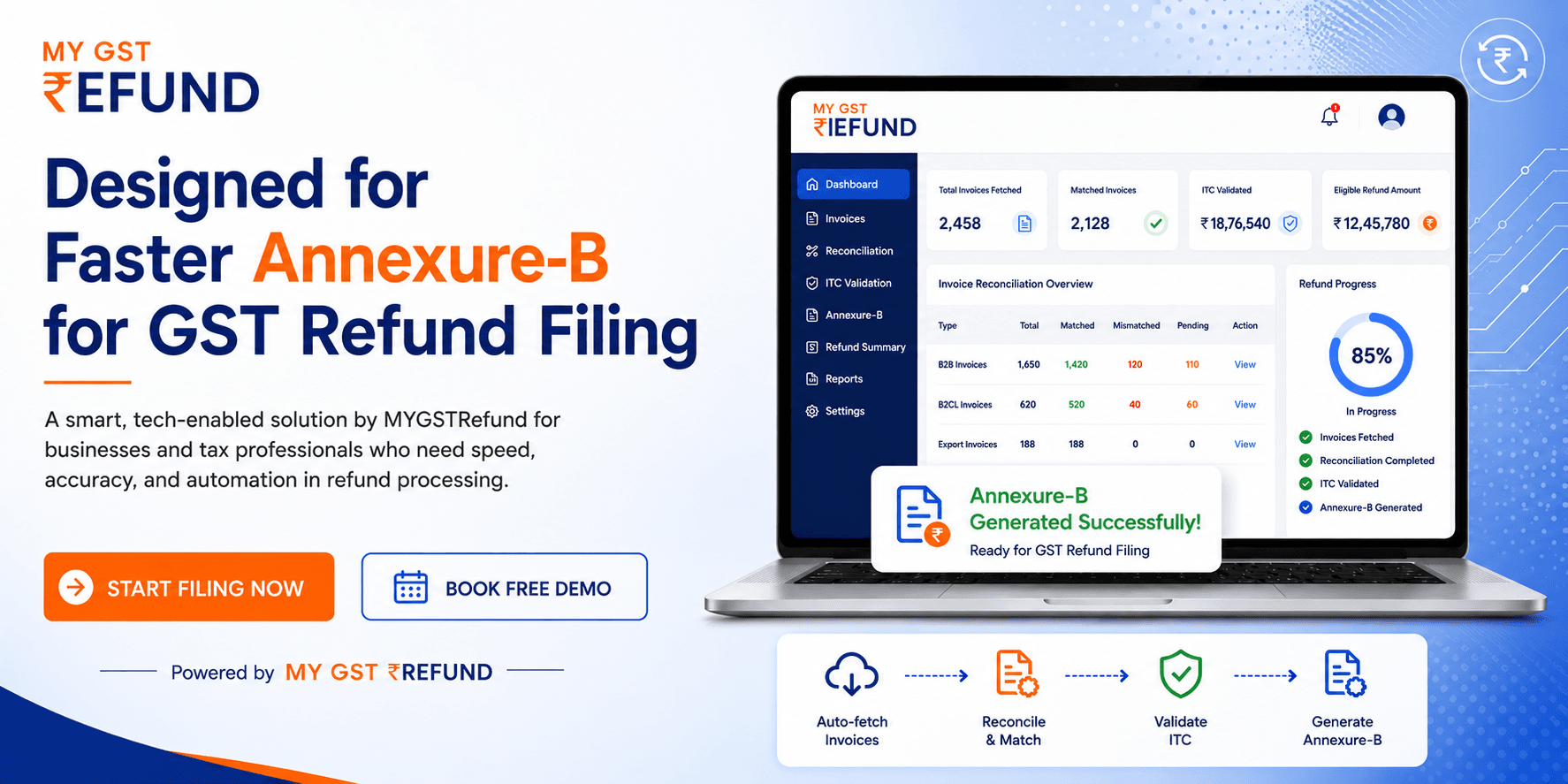
Prepare Annexure-B faster and more accurately using MYGSTRefund automated GST refund platform
Generate Annexure-B for GST refund filing quickly and accurately with the MYGSTRefund smart automation platform
- Auto-fetch invoice data
- Reconcile GST records instantly
- Validate ITC automatically
- Reduce filing errors
- Speed up refund processing
Start Filing Annexure-B Faster with MYGSTRefund Platform
Upload Limits of line item in Annexure-B Offline Utility
If your refund application contains more than 2,50,000 line items, use the offline utility to upload your first 2,50,000. If there are still invoices you need to submit, the remaining invoices may be submitted separately in PDF format. GSTN has noted that higher-volume support is under evaluation for upcoming upgrades.
Important rules to follow while filling Annexure-B
- Do not paste data into frozen or protected fields in the utility
- Do not modify the JSON file after it has been generated
- Don't leave the old utility running during new utility work.
The system does not accept the duplicate invoice, which has the same details as mentioned in the above column (Supplier GSTIN, Invoice Number, Invoice Date, Category of Input Supply, HSN/SAC).
Use a single line item when the same HSN/SAC and input supply category appear multiple times within the same invoice
Conclusion
The new Annexure-B utility enables faster and more accurate refund processing when completed correctly. Make sure that your invoices are HSN/SAC-wise, the reversal report is accurate, and no changes are made to the actual JSON after it's been created.
Check your validation reports before submitting, make sure your contribution doesn't go above the upload restrictions, and follow the GSTN guidelines issued on 18 May 2026 to avoid filing issues! To ensure that your ITC refund is authorised on time, use MyGSTRefund to prepare an appropriate Annexure-B file.
Frequently Asked Questions
How to Prepare Annexure B for GST Refund?
From the GST portal, use Excel to get the utility offline file. Complete Tables 1 and 2 (ITC reversals and HSN/SAC-wise inward invoice details), verify, create a JSON file, and submit it to the RFD-01 screen.
Is Annexure B Mandatory for GST Refund?
Yes, starting on May 18, 2026, all refund applications under Annexure-B (including exports, goods supplied under SEZ, and claims under the idea of Inverted Duty
Structure) must use the offline tool.
How to File for a Refund on Account of ITC Accumulated Due to Inverted Tax Structure?
Log in to the GST site, go to Services > Refunds > RFD-01, and choose "ITC accumulated due to Inverted Tax Structure" to complete the Annexure-B offline, attach supporting documents, and submit.
How to File GST Annual Return Offline Utility?
Enter the GST portal data in the GSTR-9 offline tool, then create the JSON and upload it to the GSTR-9 filing site. Before submitting, always reconcile the GSTR-1 and GSTR-3B data.
What are Annexure A and B in the GST Certificate?
The outward supply information is listed in Annexure-A of a GST certificate, and the inward supply details that are used to claim ITC in the refund application are listed in Annexure-B. Annexure B is expressly needed when using RFD-01 to claim the cumulative ITC return.
Related Posts