BE Fresh Filing Error Codes: ICEGATE Error List & Solutions
Published on: Mon Jun 15 2026
Adv. Hetal Bansal

Bio (Reveal/Hide)
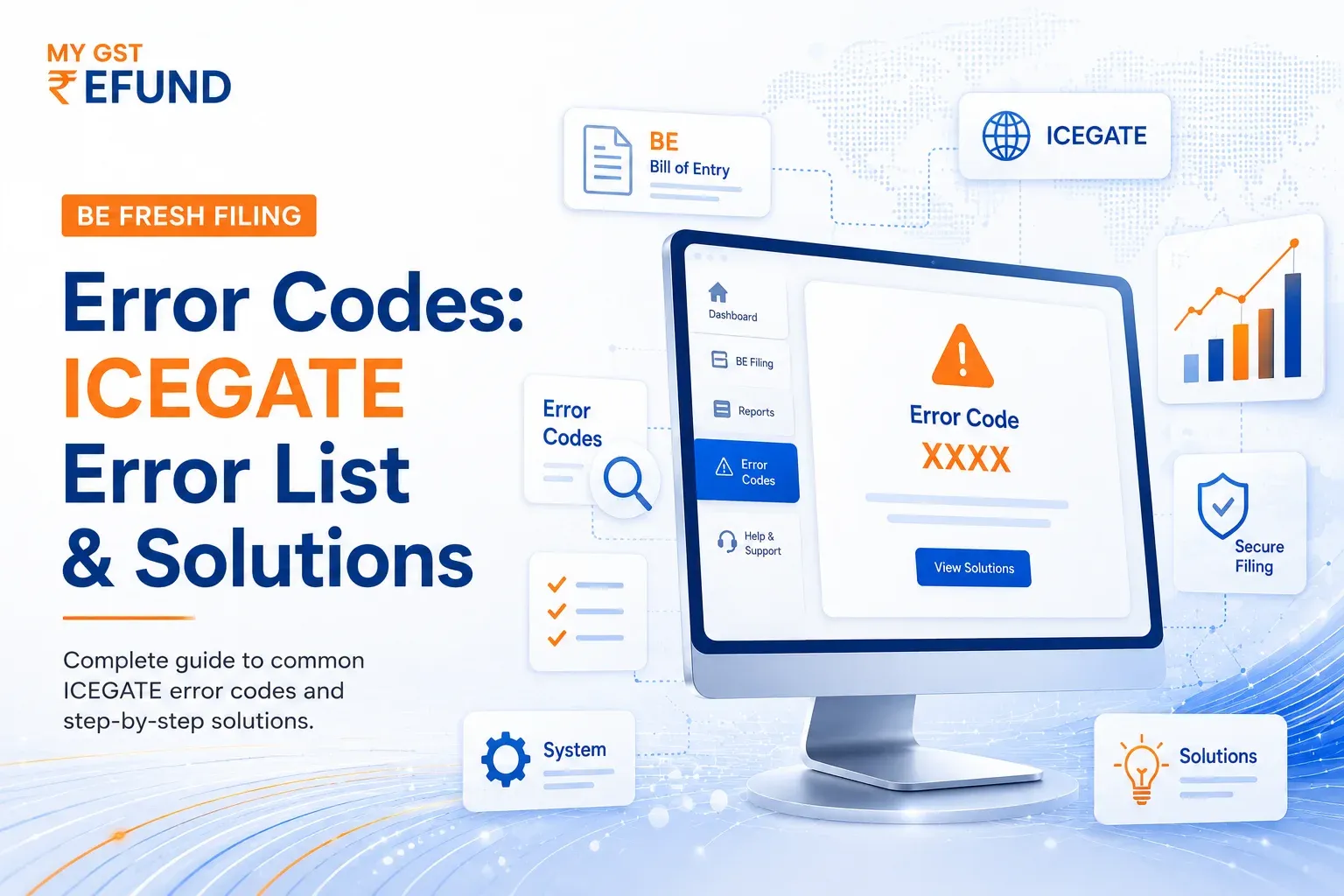
BE Fresh Filing Error Codes: Complete ICEGATE Guide 2026
Is your Bill of Entry getting rejected on ICEGATE with an unfamiliar error code and no clear explanation? BE Fresh filing error codes are system-generated validation failures that stop your BE submission until the underlying data issue is fixed. These codes are common to all importers, CHAs, and customs brokers in India who are filing on ICEGATE.
Understanding the meaning of each error will save time with the customs duty system. This guide provides all BE error codes and explanations, organised by category, and contains fixes for the most common error that occurs when filing a Bill of Entry.
What Are BE Fresh Filing Error Codes on ICEGATE?
BE fresh filing error codes are alphanumeric validation messages generated by the ICEGATE Customs Automated System under message ID CACHI01. Every code belongs to the F (Failure) message type, meaning the system has stopped processing the Bill of Entry and requires correction before it can proceed.
How the Error Code System Works
- Message ID: CACHI01 (applies to all BE fresh filing validations)
- Error Code: A three-digit number identifying the specific issue
- Error Description: A short system message describing the data problem
- Module: BE (Bill of Entry)
- Message Type: F (Failure - submission blocked)
Where to Find BE Fresh Filing Error Codes
- ICEGATE portal: icegate.gov.in under the Electronic Filing advisory section
- ICEGATE login dashboard: error codes appear in the BE submission response
- Offline utility: validation errors displayed before submission
- CHA software: Most CHAs integrate ICEGATE error responses into their filing interface

BE Error Codes 000 to 199: Submission and IEC Errors
These are the first-level errors checked by the system at the time of BE submission. They relate to basic filing parameters, IEC status, and CHA credentials.
Critical IEC and CHA Filing Errors
Port and Country Code Errors (100-199)
- Error 104: Port of Origin invalid - use the correct ICEGATE port code
- Error 106: Port of Shipment invalid - verify against the IGM data
- Error 107: Country of Origin invalid - use the two-letter ISO country code
- Error 108: Country of Consignment invalid - check against shipping documents
- Error 171: Invalid Commissionerate Code - verify the correct customs commissionerate code for your port
BE Error Codes 200 to 299: Invoice and Charges Errors
These filing errors relate to invoice details, freight, insurance, miscellaneous charges, and other cost heads declared in the BE. They are among the most frequently encountered BE fresh filing error codes.
Invoice-Level Filing Errors
Freight, Insurance, and Charges Errors (210-255)
These errors are triggered when charges fields contain contradictory or null data:
- Error 210/213: Freight rate or amount cannot be null for the declared Incoterms
- Error 214/221/228/235/242: Both rate and amount cannot be declared simultaneously; enter one only
- Error 215/222/229/236/243: Rate cannot be zero or negative
- Error 217/224/231/238/245: Currency is mandatory when a value is declared
- Error 219/226/233/240/247: Invalid currency code in the respective charges field
- Error 254/255: Discount rate or discount amount cannot be zero or negative
BE Error Codes 300 to 399: Item-Level Filing Errors
Item-level errors relate to individual line items declared in the BE. These are the most granular filing errors and require item-by-item review.
Common Item Filing Errors
Licence and Scheme Code Errors (329-427)
- Error 329: Wrong licence code - verify against the DGFT licence database
- Error 335: Licence details not available for this item - check licence debit balance and item coverage
- Error 408: No such licence - confirm the licence number is correct and registered
- Error 409: Licence fully debited - no balance available; obtain a new licence or amendment
- Error 413: Invalid or expired licence - renew licence before using it in a BE
- Error 417: Licence rejected - contact DGFT to resolve rejection before re-filing
- Error 421: Amendment pending for this licence - wait for amendment approval before filing
- Error 422: Licence cancelled - cannot use a cancelled licence; apply for a fresh one
BE Error Codes 400 to 599: Bond, GST, and Duty Errors
These errors relate to bond declarations, GST details, duty notification mismatches, and IGCR claims.
GST-Related Filing Errors in BE
Bond Errors (501-517)
- Error 501: Bond code invalid - verify the correct bond code for the licence or purpose
- Error 503: Invalid bond number - check bond number format and registration
- Error 504: Bond not yet credited - bond must be credited before use
- Error 505: Bond already expired - renew the bond before filing
- Error 506: Bond already closed - a closed bond cannot be used for fresh BEs
- Error 511: IGCR claimed but IIN not declared - declare the IIN when claiming IGCR benefit
- Error 512: IGCR not claimed but IIN declared - remove IIN declaration if IGCR is not being claimed
BE Error Codes 600 to 700: IGM and Transport Details Errors
These errors relate to IGM (Import General Manifest) data, BL or MAWB numbers, and container details.
IGM and BL Filing Errors
SEZ-Specific BE Errors (836-912)
- Error 836: SEZ BE and SEZ Warehouse code wrong, or warehouse does not belong to IEC
- Error 837: SEZ GSTIN and BE GSTIN not matching
- Error 843: BE already filed in SEZ for this line
- Error 872: Mandatory additional qualifier for CTH is missing in info type table - declare the required additional qualifier for the specific CTH in the Single Window info type details
- Error 853: Control Start Date for SEZ Z Type BE Date cannot be greater than today's date - correct the BE date entered in the control details for SEZ T Type filings
Conclusion
Understanding BE fresh filing error codes is crucial for importers and CHAs using ICEGATE. Each error in the CACHI01 module indicates a specific issue requiring a specific resolution. Errors in the 100 series relate to IEC and CHA registration, the 200 series cover invoice and charges data, the 300 series involve item-level issues such as CTH and licences, while the 500 series relate to bond and GST declaration failures.
Frequently Asked Questions (FAQs)
1. What Is Error Code 200, 400, And 500 In BE Filing?
The 200 series relates to invoice and freight declaration errors. The 400 and 500 series generally involve bond, duty notification, IGCR, or bond validation issues.
2. What Is Error Code 872 In BE Filing?
Error code 872 occurs when a mandatory additional qualifier is missing for the declared CTH. Add the required information in the Single Window (SW) Info Type section.
3. What Is Error Code 349 In BE Filing?
Error code 349 indicates a mismatch in the Country of Origin declared at the BE header and item levels. Ensure both entries are identical for FTA benefit claims.
4. What Is Error Code 853 In BE Filing?
Error code 853 occurs in SEZ T Type BE filings when the Control Start Date is later than the current date. Update the date to a valid past or present date.
5. What Is Error Code 272 In BE Filing?
Error code 272 is not listed in the current BE fresh filing error code database. Contact the ICEGATE Helpdesk or your CHA for clarification and resolution.
Related Posts